Buy links on this page go through our /go/ redirects to the manufacturer or retailer. We earn nothing from them today; that may change. Disclosure.
In short
Bring the battery inside and charge it fully by USB. That fixes most cases. Ring says its devices stop charging below freezing, and that doorbell wiring only gives a battery doorbell a trickle charge, which a busy front door or a cold snap can outrun.
1. Test the outlet
Ring's first step: plug another device into the same outlet to make sure it works.
2. Use a 1 amp adapter and the Ring cable
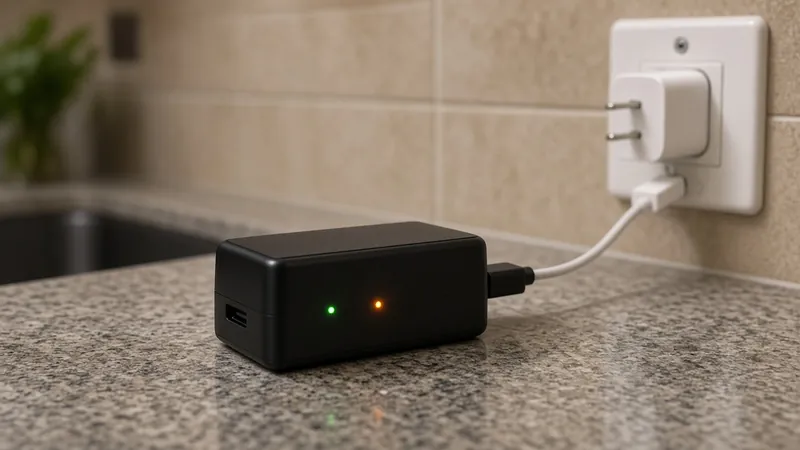
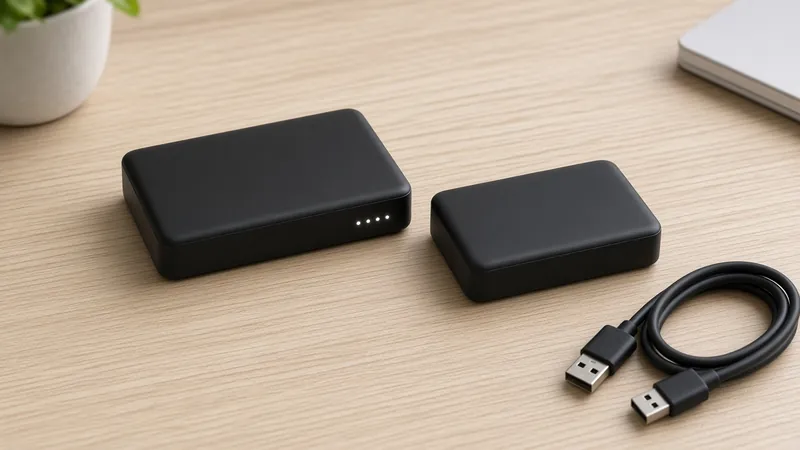
Ring says the battery needs a USB power source that puts out at least 1 amp, and that the original Ring cable works best. Try a different cable or adapter if the charge isn't moving. A full charge can take up to 10 hours.
3. Make sure the battery clicked back in
If your doorbell has a removable battery and the percentage in the app didn't change after charging, Ring says to check that the battery is pushed in until it clicks. The new level shows under Device Health once it's back in.
4. Is it below freezing?
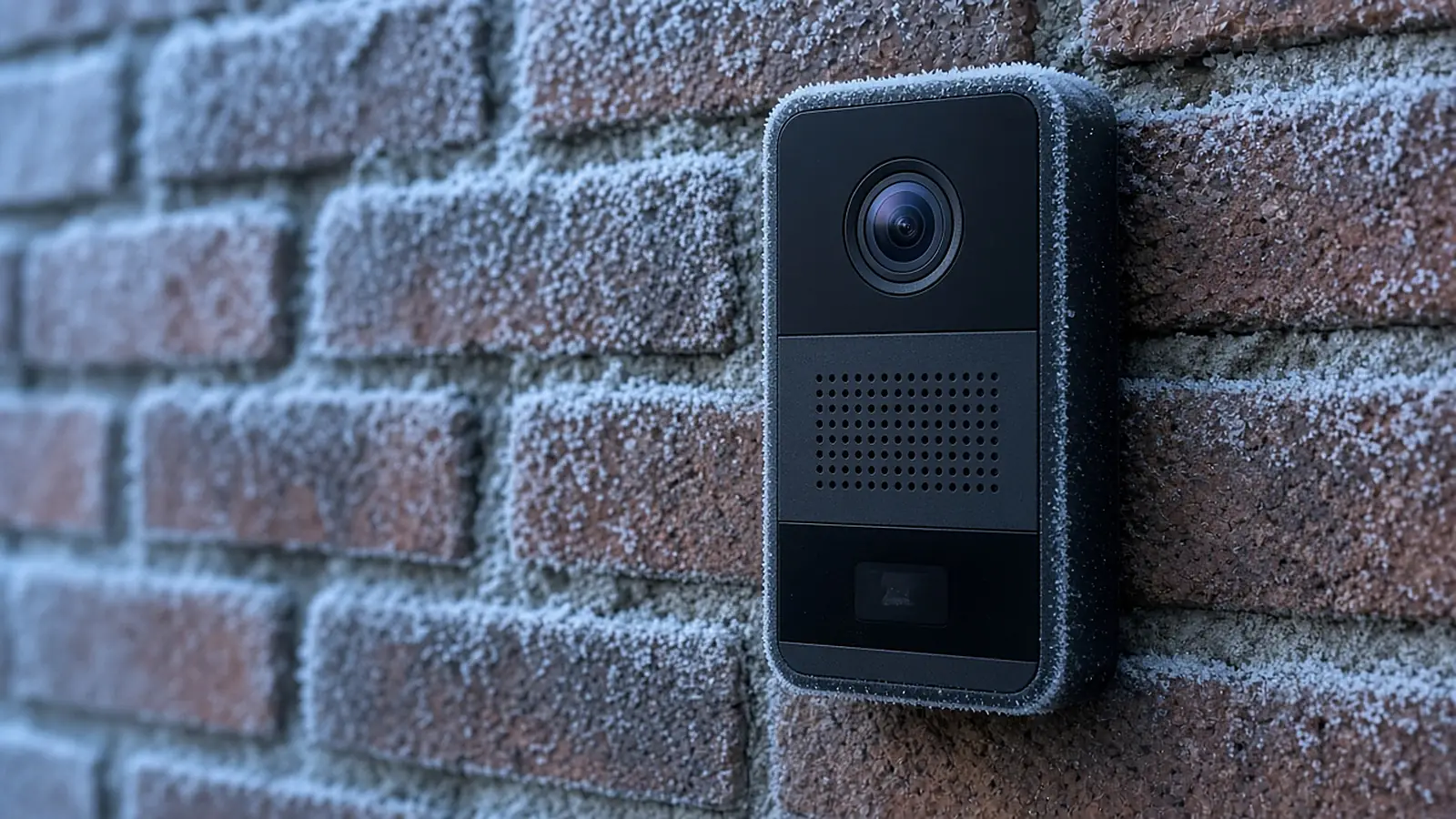
Ring says its devices are designed to stop charging below freezing, and batteries drain faster in the cold. If it's cold out, solar or wired trickle charging may stop. Charge the battery indoors by USB. Ring says devices also stop charging if they get too hot.
5. Hardwired? It's only a trickle charge
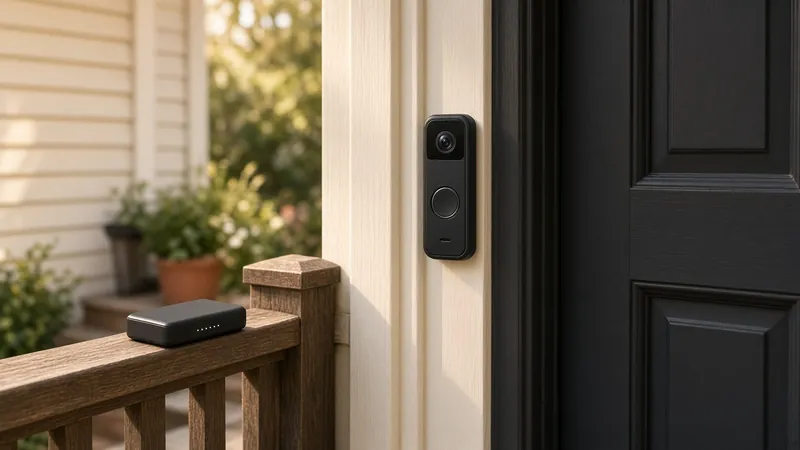
Ring says connecting a battery doorbell to doorbell wiring, a transformer or the Plug-In Adapter gives the battery a trickle charge, and to start with a fully charged battery. It is not a full-power supply like a wired doorbell.
- Transformer rating: Ring lists 8 to 24 VAC and 5 to 40 VA for battery-powered doorbells.
- Wire: Ring says to use 16 to 20 gauge wire. Wire that's too thin or too thick may not deliver enough power.
- Wrong power source: Ring warns that lighting transformers and DC power supplies that aren't Ring-approved can damage the device.
Working on wiring: Ring says to turn off power at the breaker first, and that some areas require an electrician for this work.
Stuck at 90%?
That's on purpose. Ring says its solar, plug-in and wired devices with a Ring Battery Pack stop charging before 100% to protect the battery.
Battery drains fast
Ring lists four causes: lots of motion events and Live Views, cold weather, weak wifi (the doorbell keeps reconnecting) and battery age. Lowering motion sensitivity and trimming motion zones helps. If an old pack still drains quickly, Ring suggests trying a second battery. See which Ring battery fits.
Questions people ask
Why is my Ring doorbell not charging?
Ring's checklist: test the outlet with another device, try a different cable or USB adapter (at least 1 amp), and make sure a removable battery clicks fully back in. Cold matters too: Ring says its devices stop charging below freezing.
Why is my hardwired Ring doorbell not charging?
Ring says hardwiring a battery doorbell only gives the battery a trickle charge. Busy doorways, cold weather or a weak transformer can drain it faster than that trickle refills it. Charge it fully by USB, then check the transformer rating.
What transformer does a Ring battery doorbell need?
Ring lists 8 to 24 VAC and 5 to 40 VA for battery-powered doorbells, using 16 to 20 gauge wire. Ring warns against lighting transformers and DC power supplies.
Why does my Ring battery stop at 90%?
Ring says its solar, plug-in and wired devices with a Ring Battery Pack stop charging before 100% on purpose, to protect the battery from wearing out.
Sources
Last checked Oct 25, 2026. Compatibility, charging times, lights and temperature limits come from Ring's own product and support pages. Prices change, so check the listing before you buy.