Buy links on this page go through our /go/ redirects to the manufacturer or retailer. We earn nothing from them today; that may change. Disclosure.
In short
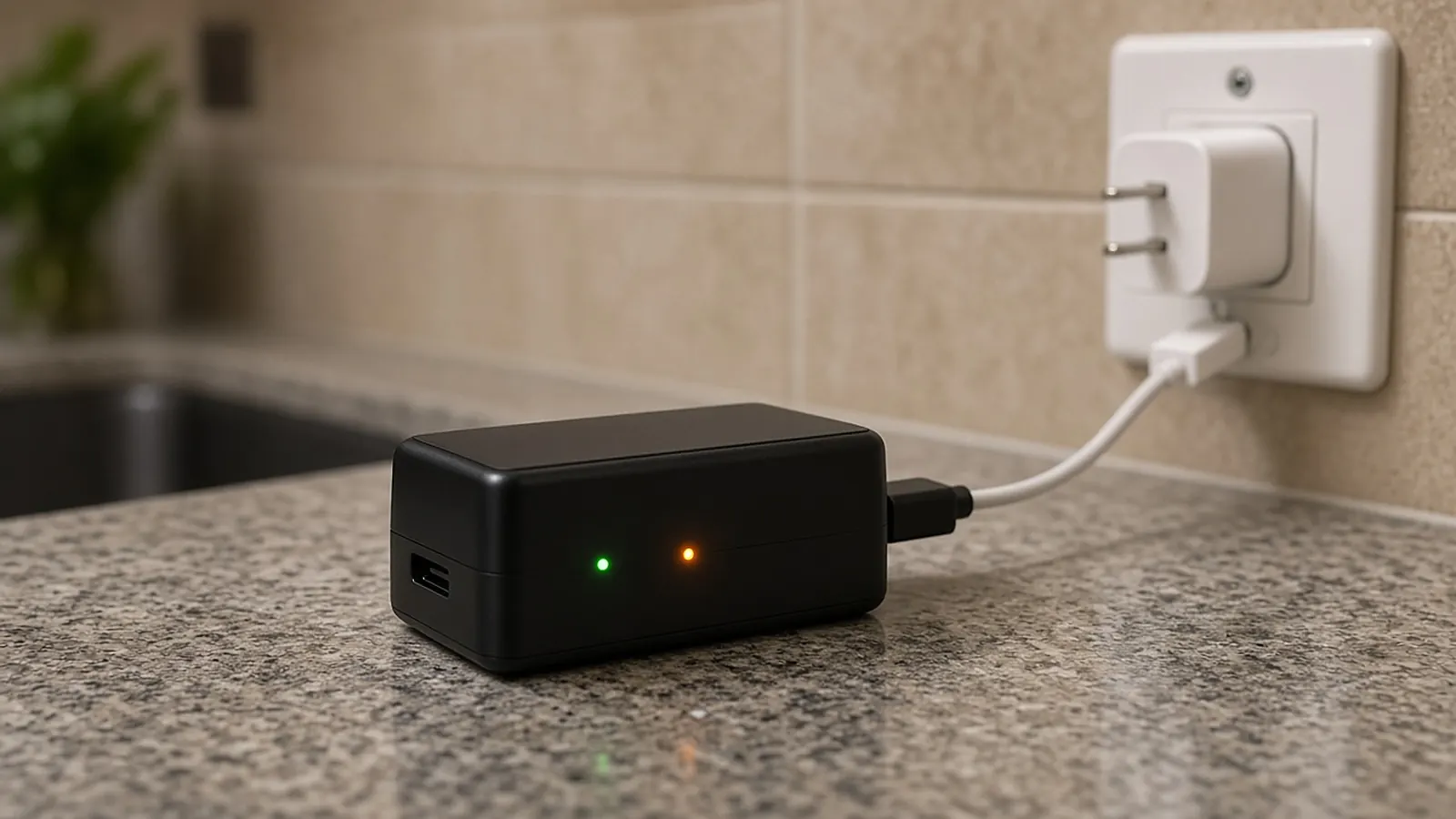
Take the battery out and plug it into a USB charger that puts out at least 1 amp. Ring says a full charge can take up to 10 hours. On the standard Quick Release pack, a green and an amber light mean it's charging. When only the green light is on, it's full.
Removable battery (Quick Release pack)
- Remove the security screw at the bottom with the star-shaped screwdriver that came with the doorbell. Peephole Cam doesn't have one.
- Take off the faceplate: press in on the sides and pull it off.
- Press the metal release tab and slide the battery out.
- Plug in the charging cable. Charge until only the green light stays on.
- Slide the battery back in until it clicks, put the faceplate back, and replace the screw.
- Wait up to 60 seconds for the doorbell to power back on.
Ring says to use only the small star-shaped security screws that came with your device.
Built-in battery models
Ring says the Video Doorbell (1st and 2nd Gen) and the Battery Doorbell have a built-in battery. Remove the security screw, lift the doorbell off its bracket (the Battery Doorbell uses the included removal tool), and plug the cable into the doorbell's charging port. The circular light on the front stays solid when it's full.
How long it takes
| Method | Time, per Ring |
|---|---|
| USB cable, 1 amp or more | Up to 10 hours |
| Ring Charging Station (standard pack) | About 4.5 hours |
Ring says not to use other USB cables or plugs with the Charging Station, since they can slow charging. You can leave packs in the station after they're full.
Check the level in the app
In the Ring app, open the menu, go to Device Settings, then Device Health. Power Source and Battery Level are listed under Power.
Help the charge last longer
Ring says charging to about 90% instead of 100% helps a battery last. Fewer motion events and a stronger wifi signal help too.
Not charging at all? See Ring doorbell not charging.
Questions people ask
How long does a Ring battery take to charge?
Ring says up to 10 hours with a USB cable and a power source that puts out at least 1 amp. Ring's Charging Station charges a Quick Release Battery Pack in about 4.5 hours.
How do I know my Ring battery is fully charged?
On the standard Quick Release Battery Pack, Ring says you'll see a green and an amber light while it charges. When only the green light is on, it's full. Built-in battery doorbells show a solid light on the front ring when full.
How do I take the battery out of a Ring doorbell?
Remove the security screw at the bottom with the included screwdriver, press in on the sides of the faceplate and pull it off, then press the metal release tab and slide the battery out.
Can I use any USB charger for a Ring battery?
Ring says any USB power source works if it supplies at least 1 amp, and that the original Ring cable works best. A weak phone charger or a long, thin cable can make charging slow.
Sources
Last checked Oct 25, 2026. Compatibility, charging times, lights and temperature limits come from Ring's own product and support pages. Prices change, so check the listing before you buy.