Buy links on this page go through our /go/ redirects to the manufacturer or retailer. We earn nothing from them today; that may change. Disclosure.
In short
Take the battery out, hold the collar's button down, gently lift the metal tab, and twist the battery back in to the locked position. PetSafe's support team says a leftover charge inside the collar can stop it from reading a new battery, and the tab has to touch the battery for the collar to get power.
1. Clear the leftover charge
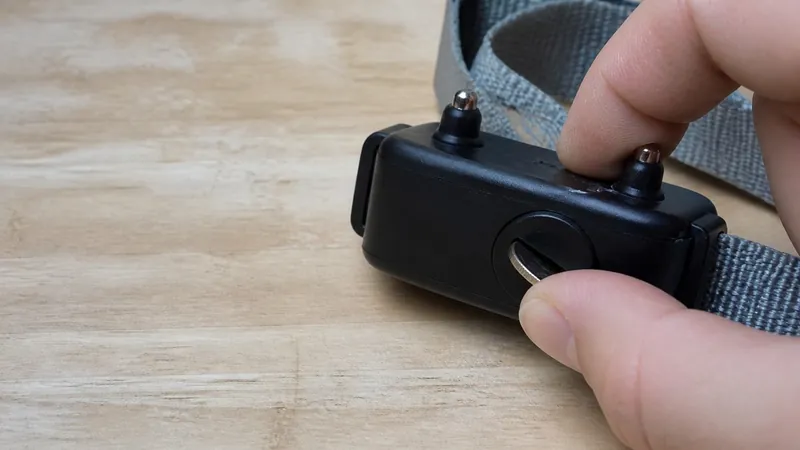
With the battery out, press and hold the collar's button. PetSafe's general collar steps say 10 seconds; its Basic In-Ground Fence and In-Ground collar steps say 30 seconds. You may see a red light that fades. Keep holding for the full time. On the Stay & Play Replaceable Battery collar, PetSafe says to hold the power button for 10 seconds or until all lights and beeps stop.
2. Lift the metal tab
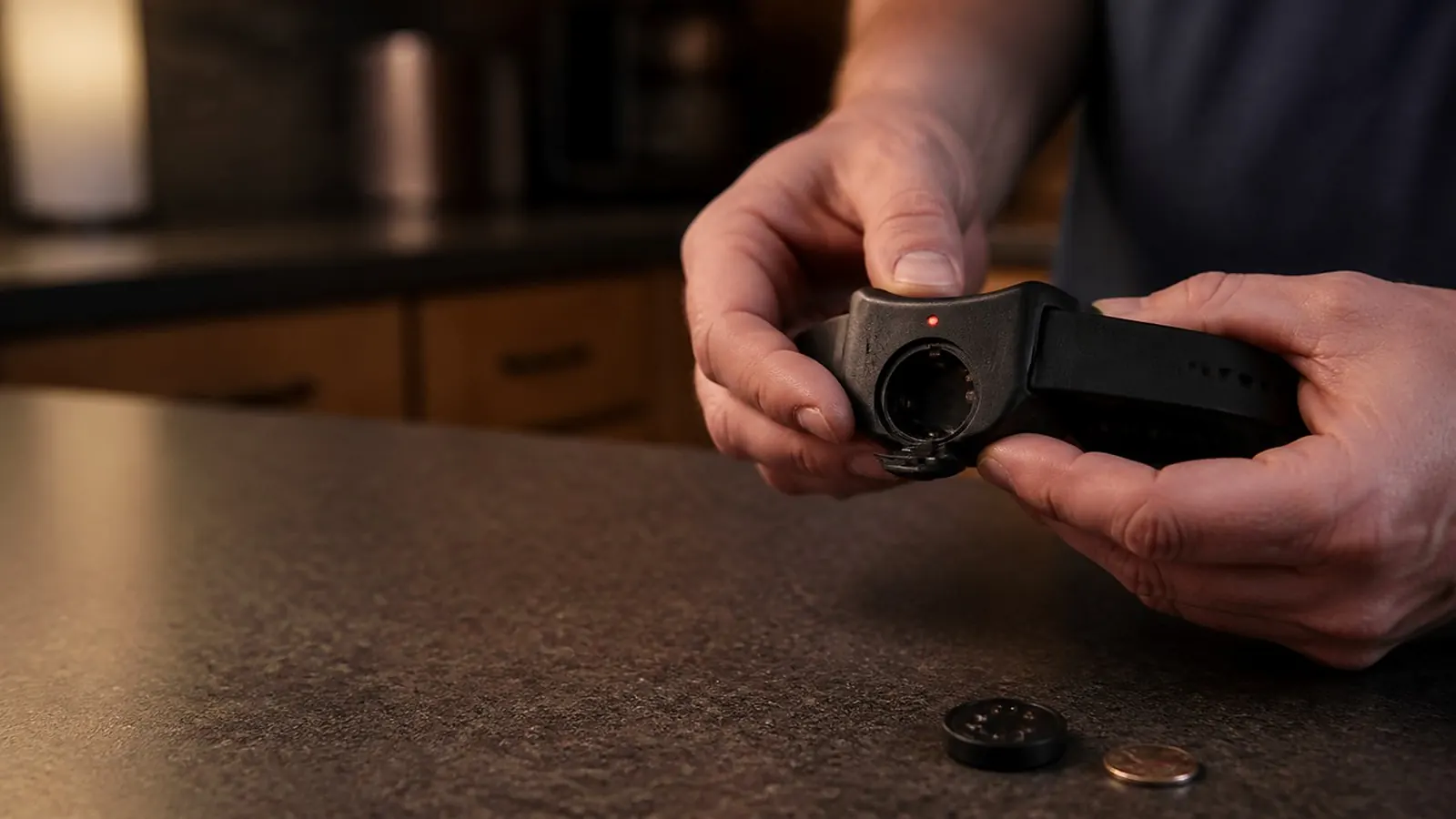
Look inside the battery opening. PetSafe says to gently lift the metal tab, bending it slightly out, so it makes good contact with the battery. A flattened tab is a common reason a new battery does nothing. On the Stubborn Dog In-Ground collar, PetSafe says to check the battery wires for damage instead.
3. Twist it all the way to locked
Put the battery back in and turn it clockwise to the locked or ON position. On collars with arrows, line the battery's arrow up with the lock symbol. A battery that's only partly turned sits in place but doesn't power the collar.
4. Turn the collar on and check the light
PetSafe says the Free to Roam and Stay & Play Replaceable Battery collars need to be turned on after the battery goes in. On the Basic In-Ground and In-Ground collars, press and release the button. You should see red flashes, and the number of flashes shows the current level setting. Then PetSafe's next step is to test the collar at the boundary, as its manual describes.
5. Make sure it's a genuine, fresh battery
- Check the markings. PetSafe says a genuine RFA-67 shows arrows, the model number, PetSafe.com and a seven-digit date code. A genuine RFA-188 shows PetSafe.com.
- Off-brand batteries. PetSafe says an alternate brand's battery can damage the collar and will void the warranty, and that off-brand batteries are known to have a shorter life.
- Right battery. A 3V RFA-188 won't run a collar that takes the 6V RFA-67, and the reverse. Check the fit chart.
See corrosion in the battery opening? PetSafe says to contact its Customer Care team rather than keep trying batteries. The same goes for a collar that still won't power on after all five checks.
Still blinking red every few seconds? On the Basic In-Ground Fence collar, PetSafe says a red flash once every 4–5 seconds means a low battery, so the "new" battery may be old stock. Steps for a clean swap are in how to change a PetSafe collar battery.
Questions people ask
Why is my PetSafe collar not working after I changed the battery?
PetSafe says a leftover charge inside the collar can stop it from reading the new battery. Take the battery out, hold the button for 10 to 30 seconds, gently lift the metal tab, then twist the battery back in to the locked position.
Do I need to turn the collar on after a new battery?
PetSafe says the Free to Roam and Stay & Play Replaceable Battery collars need to be turned on after the battery is inserted. On the Stay & Play collar, lining the battery arrow up with the lock symbol turns it on.
Can an off-brand battery stop a PetSafe collar from working?
PetSafe says an alternate brand's battery can damage the collar and will void the warranty, and that off-brand batteries are known to have a shorter life.
What if the collar still won't power on?
If there is corrosion in the battery opening, or the collar still won't power on after these checks, PetSafe says to contact its Customer Care team.
Sources
Last checked Oct 25, 2026. Fit, battery life, lights and steps come from PetSafe's own product and support pages. Prices change, so check the listing before you buy.