Buy links on this page go through our /go/ redirects to the manufacturer or retailer. We earn nothing from them today; that may change. Disclosure.
Quick answer
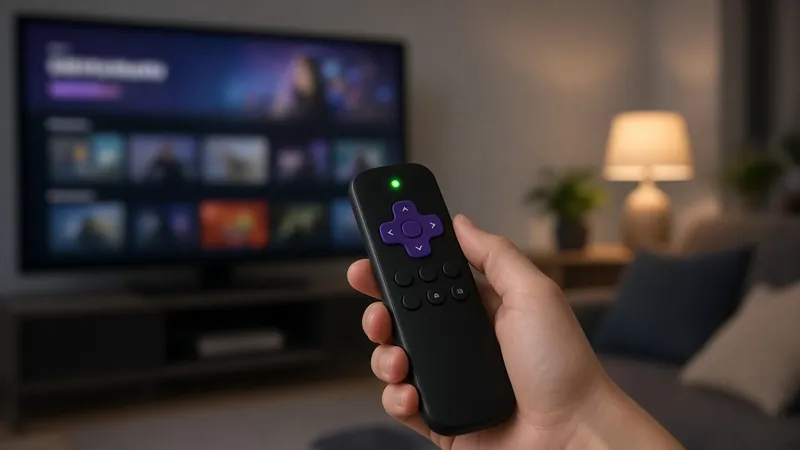
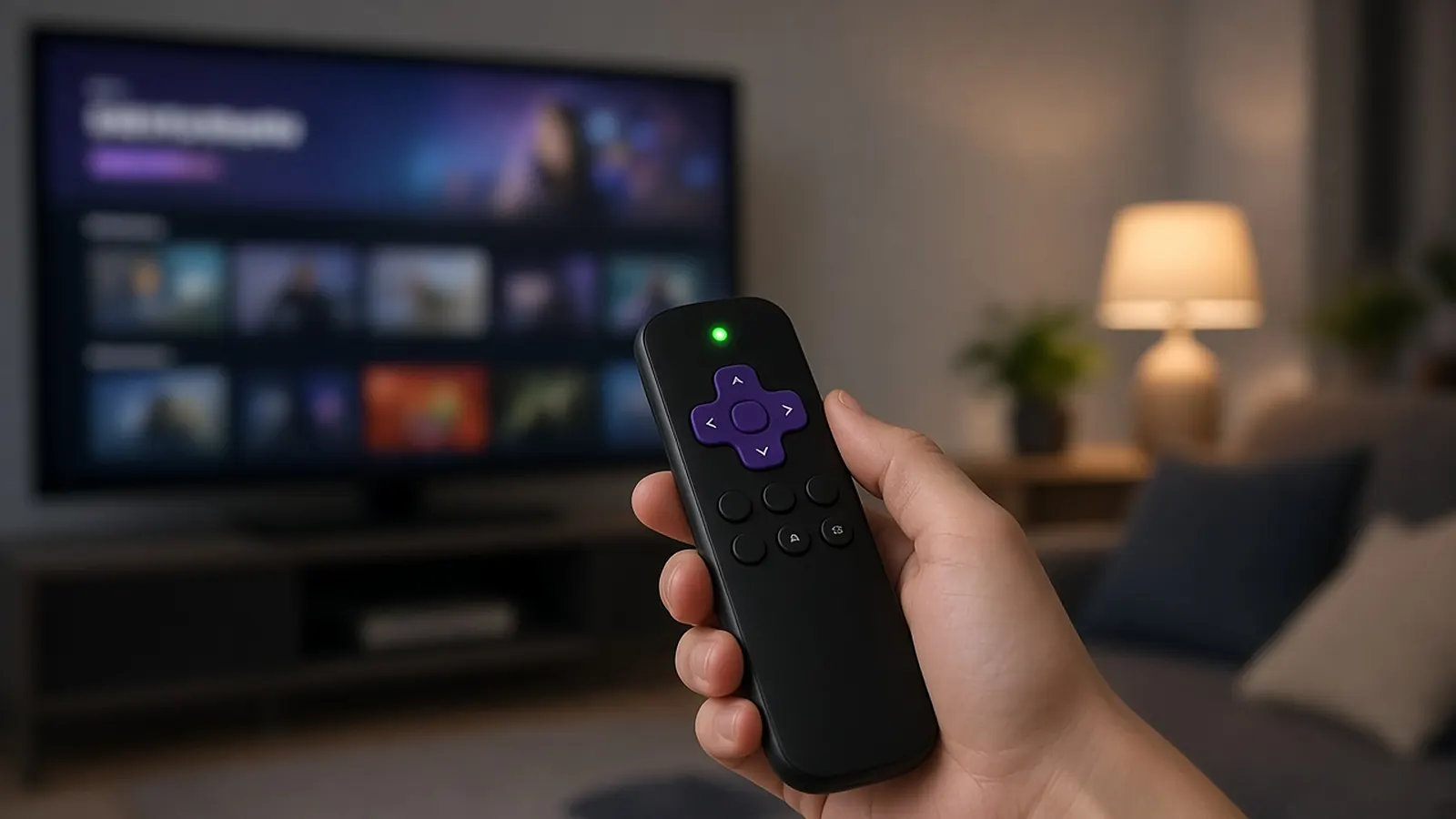
Only voice remotes pair. Roku says a simple IR remote just needs to point at the device. A voice remote has a voice button with a microphone or magnifying glass icon, and it has to be paired to the Roku before it works.
Need a replacement? Roku's own remotes:
Roku Voice RemoteRoku Voice Remote Pro (2nd edition), rechargeableRoku Players Remote (simple IR remote)Roku says its voice remotes work with any Roku TV, Roku audio device and most Roku players, and that some older models may not be supported. The Players Remote is for Roku players and audio devices; Roku sells a separate Roku TV Remote.
Option 1: from Settings
If you have another working remote, or the Roku mobile app, Roku says to go to Settings > Remotes & devices > Add devices > Remote > Continue and follow the prompts.
Option 2: restart and hold the pairing button
- Put batteries in, or charge it. Use fresh batteries, or charge a rechargeable remote first.
- Restart the Roku. Unplug the power cable, wait at least 5 seconds, plug it back in, and wait for the Home screen.
- Hold the pairing button for 5 seconds. Roku says it's on the back of the remote or under the battery cover. Hold it until the light on the remote flashes.
- Wait for the pairing message on the TV screen.
No pairing button?
Roku's fix article says to hold Back + Home for 5 seconds until the light flashes instead.
If pairing fails
- Roku says the device and the remote must both be in pairing mode at the same time. Start again from the restart.
- Check for interference, things in the way, and distance. Voice remotes don't need to be pointed at the device.
- Streaming stick: Roku says to use the wireless receiver that's part of the USB power cable, and offers a free HDMI extender to reduce interference.
- Too many remotes? Roku says to disable unused ones by removing their batteries, or by holding Back + Home + Mute for 5 seconds.
How we work: steps come from Roku's pairing and remote fix articles. We don't test Roku remotes ourselves. Sources are listed below.
Questions people ask
Where is the pairing button on a Roku remote?
Roku says it's on the back of the remote or under the battery cover.
How long do I hold the pairing button?
5 seconds, until the light on the remote flashes. Without a pairing button, Roku says to hold Back + Home for 5 seconds.
Do simple Roku remotes need pairing?
No. Roku says simple remotes use infrared and just need to point at the device. Pairing is for voice remotes.
Sources
Last checked Oct 23, 2026. Steps come from Roku's support articles and Roku's remote product pages.