Buy links on this page go through our /go/ redirects to the manufacturer or retailer. We earn nothing from them today; that may change. Disclosure.
In short
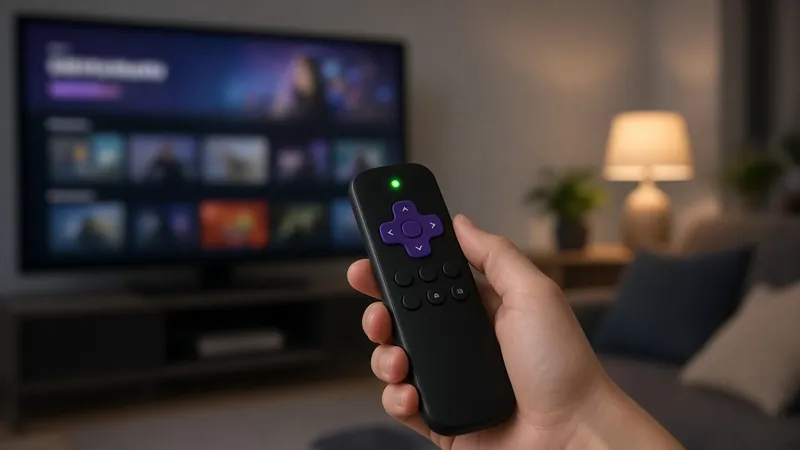
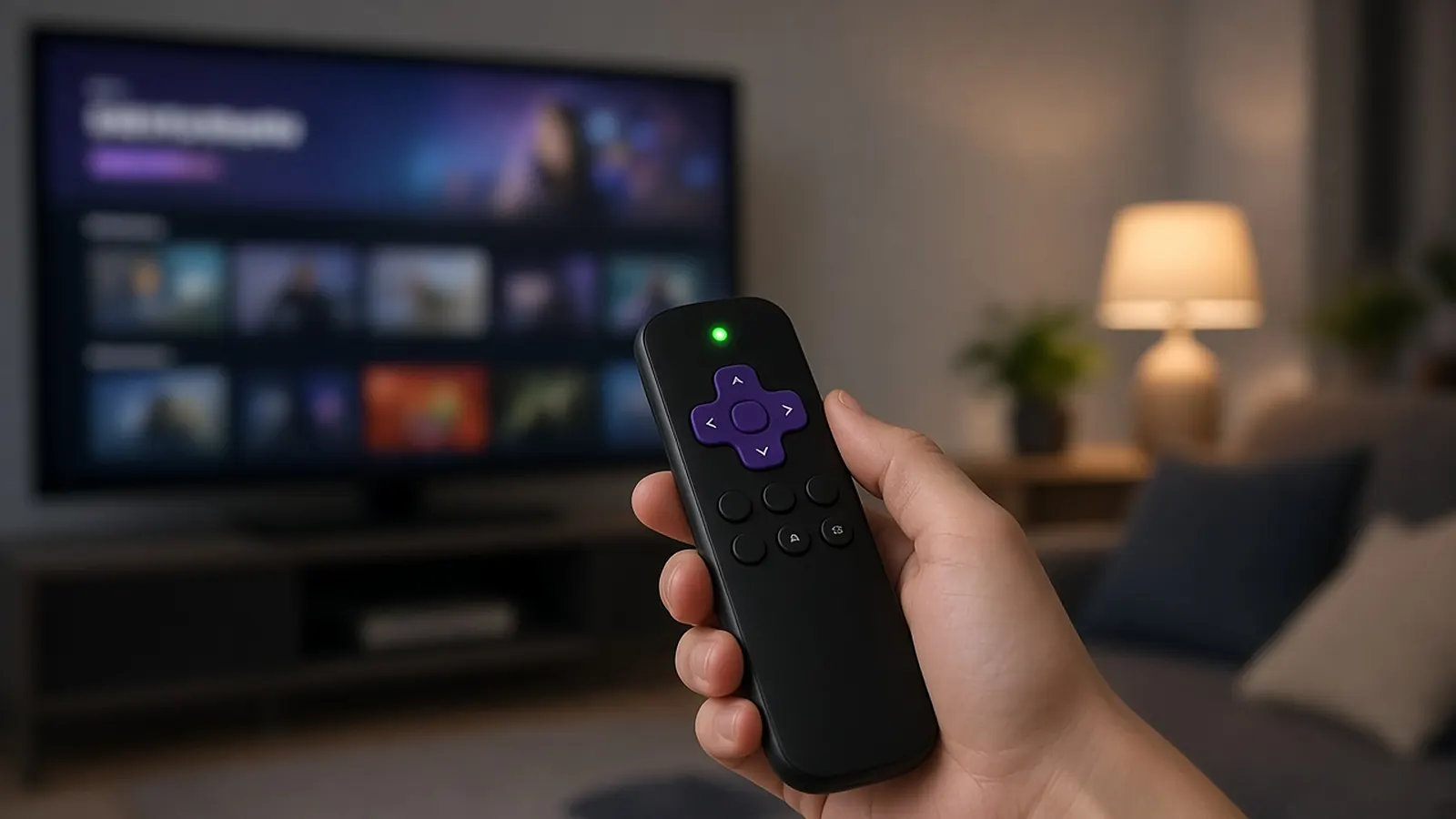
Volume and power buttons control the TV, so the remote has to reach the TV. Roku's checks cover two ways that happens: infrared (IR) pointed at the TV, or CEC (Consumer Electronics Control), which Roku says lets your Roku remote send power and volume commands to your TV.
Need a replacement? Roku's own remotes:
Roku Voice RemoteRoku Voice Remote Pro (2nd edition), rechargeableRoku Players Remote (simple IR remote)Roku says its voice remotes work with any Roku TV, Roku audio device and most Roku players, and that some older models may not be supported. The Players Remote is for Roku players and audio devices; Roku sells a separate Roku TV Remote.
The checks, in order
- Point the remote at the TV's sensor on the front of the TV. If volume works that way, Roku says your remote uses IR for TV control, so keep the path to the TV clear.
- Turn on CEC on your TV, then redo the Roku remote setup. Roku says to check your TV's settings, or ask the TV maker for help.
- Update the Roku: Settings > System > System Update > Check Now.
- Set up TV control again: Settings > Remotes & Devices > Remotes > Set up remote for TV control.
Voice "turn off the TV" not working?
Roku says voice commands like "Turn off the TV" only work with CEC, not over IR. Check that CEC is enabled on the TV.
Simple remotes
Roku lists these volume and power steps for voice remotes. Its Players Remote page describes a basic IR remote for Roku players and audio devices; a Roku TV uses the separate Roku TV Remote.
How we work: steps come from Roku's remote fix article and remote product pages. We don't test Roku remotes ourselves. Sources are listed below.
Questions people ask
Why does my Roku remote control the Roku but not the TV volume?
Volume and power go to the TV. Roku says to point the remote at the TV's sensor (IR), or turn on CEC on the TV and redo the remote setup.
Where do I set up TV control on Roku?
Roku says Settings > Remotes & Devices > Remotes > Set up remote for TV control, after updating at Settings > System > System Update.
Why doesn't "turn off the TV" work?
Roku says voice commands like that only work with CEC, not IR. Check that CEC is turned on in your TV's settings.
Sources
Last checked Oct 23, 2026. Steps come from Roku's support articles and Roku's remote product pages.