Buy links on this page go through our /go/ redirects to the manufacturer or retailer. We earn nothing from them today; that may change. Disclosure.
In short
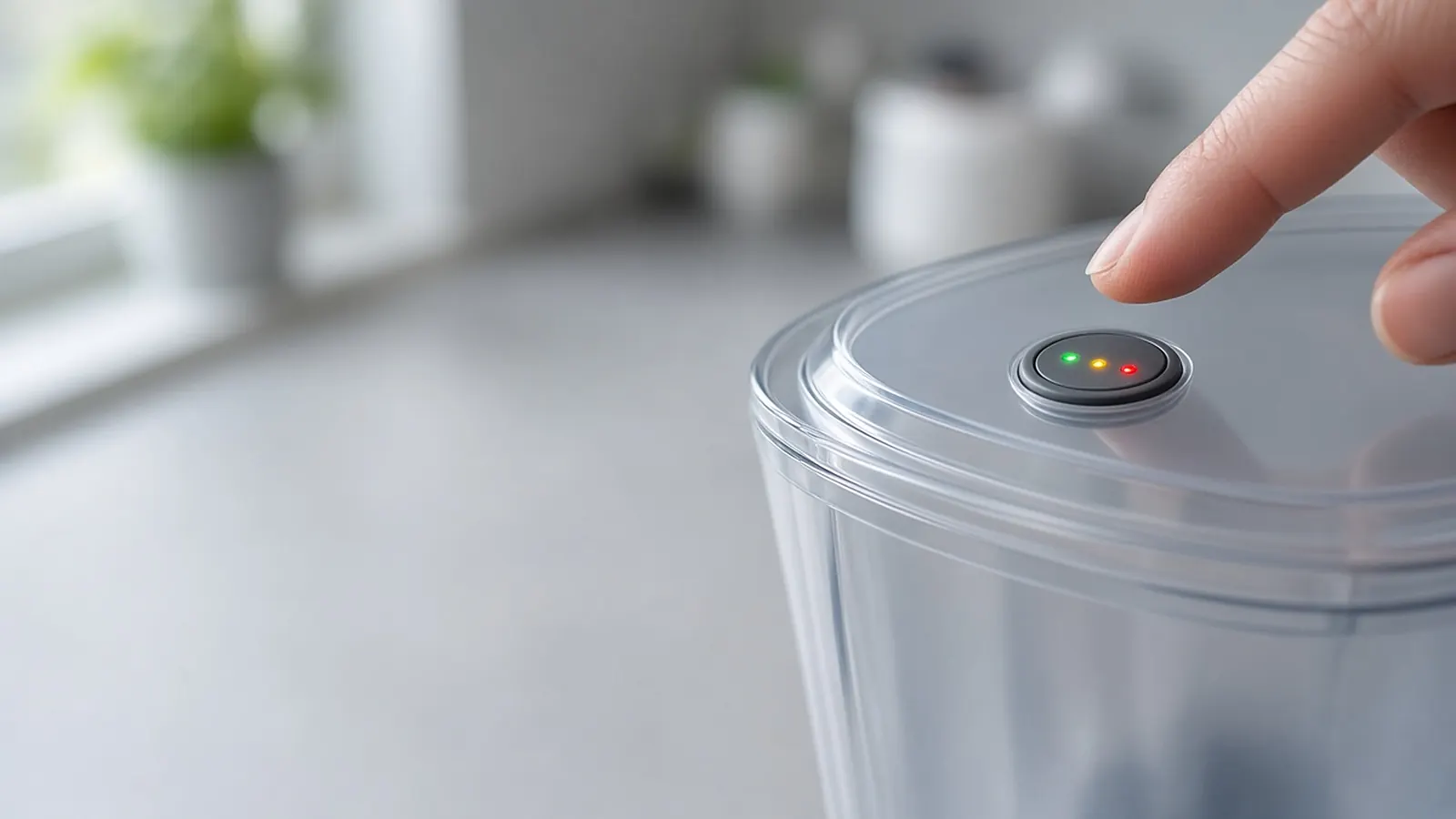
On a lid with a STATUS button, how long you hold it picks the filter. Brita says hold it 2 seconds for a white Original filter, or 6 seconds for a blue Elite filter. Still red after a filter change? The light doesn't know you swapped the filter until you reset it. Brita says to reset it every time you put in a new one.
Lids with STATUS (pitchers with a Max Fill line)
- Original (white) filter: hold STATUS for 2 seconds, then let go. Brita says all the lights blink together twice, then the green light next to STANDARD FILTER blinks three times. That sets 40 gallons.
- Elite (blue) filter: hold STATUS for 6 seconds, and don't let go until the green light next to ELITE FILTER blinks three times by itself. That sets 120 gallons. Older lids may say Longlast+ instead of Elite. Brita says both are set for 120 gallons.
- Picked the wrong one? Brita says just repeat the step until the mode matches your filter.
- Check it any time: press STATUS for 1 second. The light for your current filter status blinks for a second.
Keep the count accurate
These lids count fills, not gallons. Brita says the indicator counts a fill when the lid is open for 5 to 8 seconds, depending on the size of the reservoir. Its tips:
- Fill all the way to the Max Fill line every time.
- Only open the fill lid for more than 5 seconds when you're actually filling it.
- Wait until the reservoir is empty before you refill.
Lids that count pours (no Max Fill line)
Some Brita pitchers count each pour as 8 fl oz instead. Green blinking means the filter is good, yellow means replace it soon, and red blinking means replace it. To reset, press RESET (called STATUS on some models) below the lights and let go when the green light blinks. Brita lists the Lake, Metro and Soho pitchers (models OB58 and OB11) as pour-count lids.
10-cup pitchers with the button under the lid
On Brita's setup page for its 10-cup pitcher, you turn the lid over and push the button below the filter picture for at least 5 seconds. The light flashes 3 times to confirm. Yellow means you've filtered 35 gallons; red means 40 gallons and time to change.
Older lids with only a RESET button
Brita says to press RESET firmly for 5 seconds. Keep in mind that lids from before 2019 may only track the 40-gallon Original filter. See how often to change a Brita filter for other ways to track an Elite.
Lights won't come on at all?
- Press and hold RESET firmly for 5 to 10 seconds. Brita says the green, yellow and red lights should blink together. Don't let go until they stop.
- If the button is hard to press, Brita suggests a capped ballpoint pen.
- Test it by pouring out a glass of water. You should see a blinking green light.
Still dead? Brita offers a 1-year warranty and support at 1-800-24-BRITA.
Stream pitchers
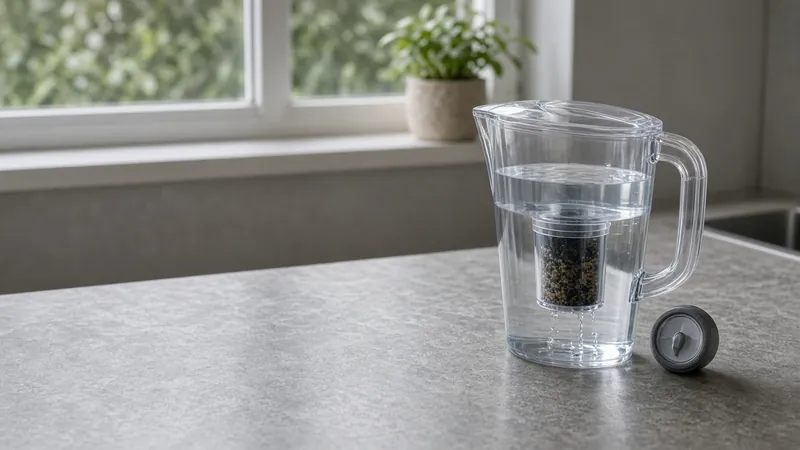
Brita says to reset the Stream indicator every time you put in a new gray Stream filter: hold STATUS for 8 seconds. The red, yellow and green lights blink together. Let go when only the green light blinks, then fill the pitcher with the fill lid open all the way.
How we work: steps come from Brita's pitcher FAQs and setup pages. We don't test Brita pitchers ourselves. Sources are listed below.
Questions people ask
How long do I hold the Brita STATUS button?
Brita says 2 seconds for an Original (white) filter and 6 seconds for an Elite (blue) filter, on lids with a STATUS button. Stream pitchers take 8 seconds.
Why won't my Brita filter light turn on?
Brita says to press and hold RESET firmly for 5 to 10 seconds until the lights blink together, using a capped ballpoint pen if it's hard to press. Then pour a glass and look for a blinking green light.
Can an old Brita pitcher track an Elite filter?
Brita says pitchers bought before 2019 may not track Elite filter life. Use the sticker method or Brita's reminder emails instead.
Sources
Last checked Oct 23, 2026. Steps come from Brita's support FAQs, setup pages, product pages and filter guide. Only filter tap water that's already safe to drink.