Buy links on this page go through our /go/ redirects to the manufacturer or retailer. We earn nothing from them today; that may change. Disclosure.
Quick answer
An APC Back-UPS uses beep patterns to tell you what it's doing, because it usually sits under a desk where nobody can see the lights. APC says an occasional single beep is normal: it means the UPS is protecting your equipment. The patterns below are the ones that need you to do something.
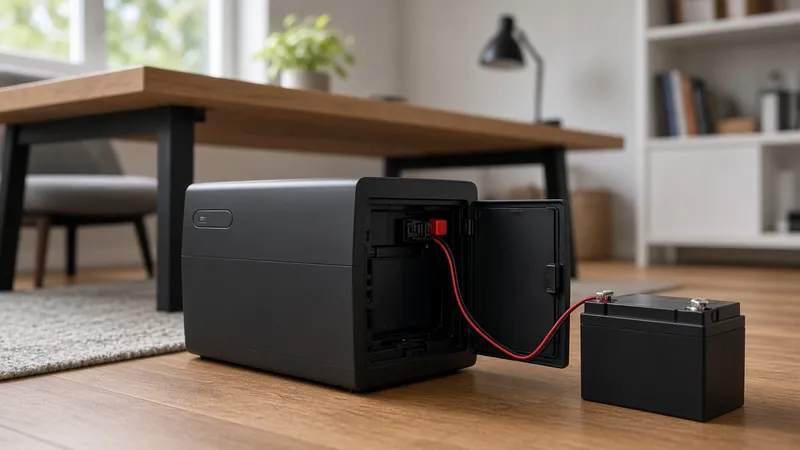
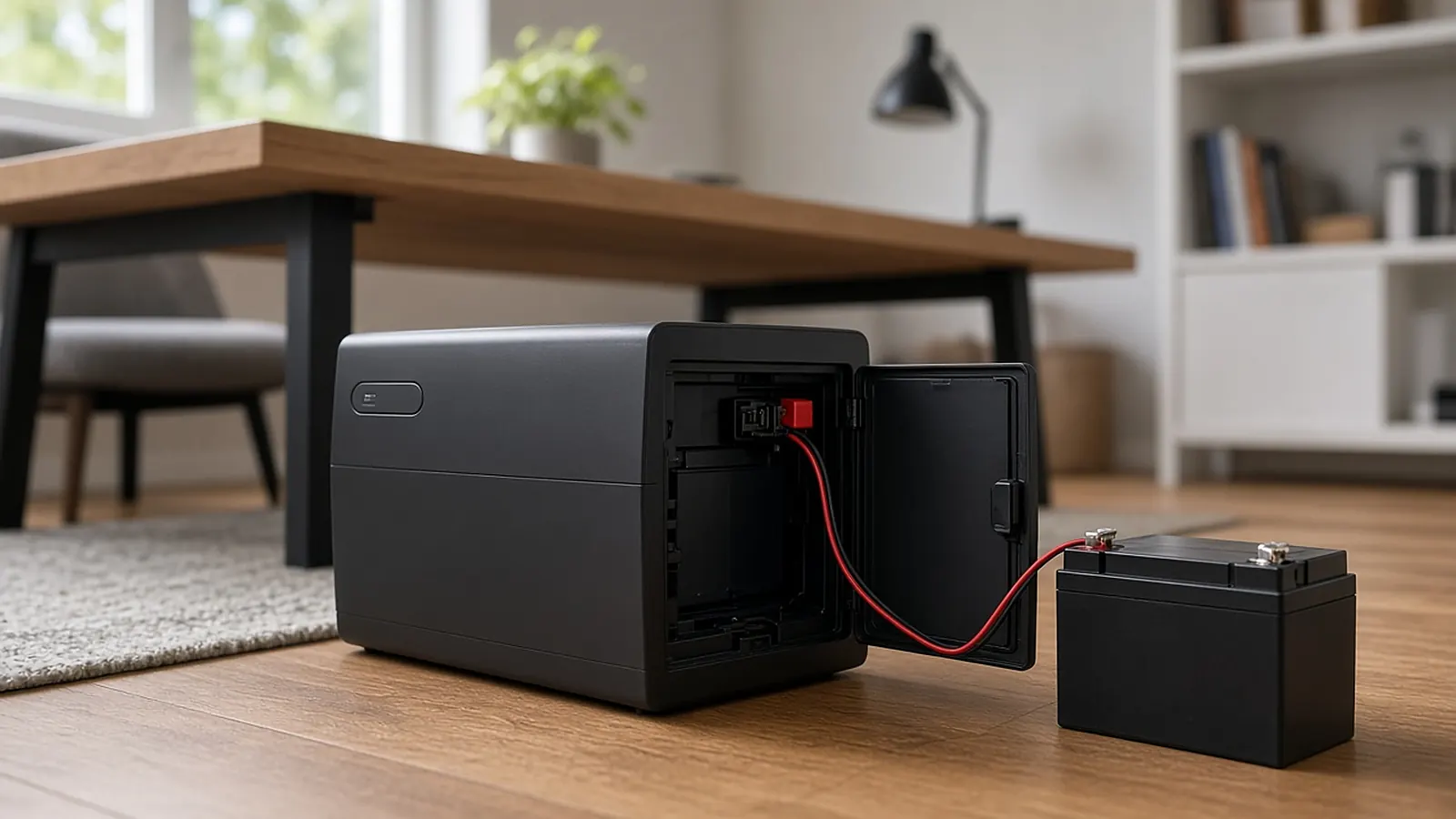
If the pattern means "replace battery": find the RBC that matches your UPS model.
APC RBC Selector APC RBC17 APC APCRBC154 APC APCRBC124APC Back-UPS beep codes
| What you hear | Light | What APC says it means | What to do |
|---|---|---|---|
| 4 beeps every 30 seconds | Yellow On Battery | The UPS has switched to battery power | Nothing urgent. It stops when the UPS returns to normal (On Line) operation. |
| Continuous beeping | Yellow On Battery | Low battery. The UPS will shut down soon (the alarm starts 2 minutes before shutdown; APC management software can lengthen that warning) | Save your work and shut the computer down now. |
| Constant, solid tone | Red Overload | Capacity overload | Unplug non-essential equipment. The tone stays on until the load drops. |
| Continuous beeps for one minute, repeated every 5 hours | Replace Battery | The unit failed its battery self-test | See the Replace Battery steps. |
Why it keeps going on battery when the power isn't out
APC lists three reasons a Back-UPS switches to battery while the lights stay on:
- Unsafe input voltage. The UPS switches to battery when the voltage falls outside its acceptable range. Your manual lists that range, and some APC software can change it.
- Frequency more than 5% off. APC says this is most often caused by an undersized generator. It recommends a generator 3 to 5 times the size of the load. The ±5% limit can't be changed.
- "Dirty" power. Many Back-UPS models let you lower the sensitivity from high to medium or low. Your manual explains how.
APC adds that if the disturbance is short, you may only hear one or two beeps, and occasional switches to battery count as normal operation.
If the overload tone won't stop
If the solid tone continues after you reduce the load, APC suggests this check: turn the UPS off, unplug all equipment from it, unplug the UPS from the wall, then hold the power button until you hear two beeps and release it before the second beep ends. If the tone still sounds, APC says the UPS was likely damaged permanently by the overload. To silence it right away in that case, disconnect the internal battery through the battery access door.
Can I turn the beeping off?
APC says Back-UPS ES "M" series and Back-UPS Pro models have an on-device mute feature. You can also connect the UPS to a computer and install PowerChute Personal Edition. Then go to the Configurations tab, open Notifications Configuration, and change the "Battery Back-UPS Alarm" setting to turn alarms on for all events, off for all events, or set them another way.
Never plug a power strip or surge protector into a UPS. APC recommends putting only computers and monitors on the battery outlets and plugging other devices into the "Surge Only" outlets.
How we work: every beep pattern and fix on this page comes from APC by Schneider Electric's Back-UPS support article. APC notes it is a partial list, so check your user manual for your model's full set of tones. Sources are listed below.
Questions people ask
Why is my APC UPS beeping 4 times every 30 seconds?
APC says that pattern means the UPS is running on battery. It stops when the UPS goes back to normal operation.
What does continuous beeping on an APC UPS mean?
Low battery. APC says the alarm starts about 2 minutes before shutdown, so save your work and shut down.
Why does my UPS beep for a minute every 5 hours?
APC says it means the unit failed its battery self-test and the battery needs replacing.
Sources
Last checked Oct 23, 2026. UPS batteries are heavy lead-acid or lithium cells. Follow your UPS manual when swapping them, and recycle the old battery. APC says some models are not user-replaceable.