Buy links on this page go through our /go/ redirects to the manufacturer or retailer. We earn nothing from them today; that may change. Disclosure.
Quick answer
You don't need a new mouse or keyboard if you lose the receiver. Logitech sells replacement Unifying (910-005235) and Logi Bolt (956-000008) receivers, and says you can re-pair your existing devices to the new one. Buy the type that matches the logo on your device.
Four steps
- Check the logo on the bottom of your device. The orange six-point star means Unifying. The Bolt mark means Logi Bolt.
- Buy the matching receiver. Logitech says the Unifying receiver works only with Unifying-compatible products.
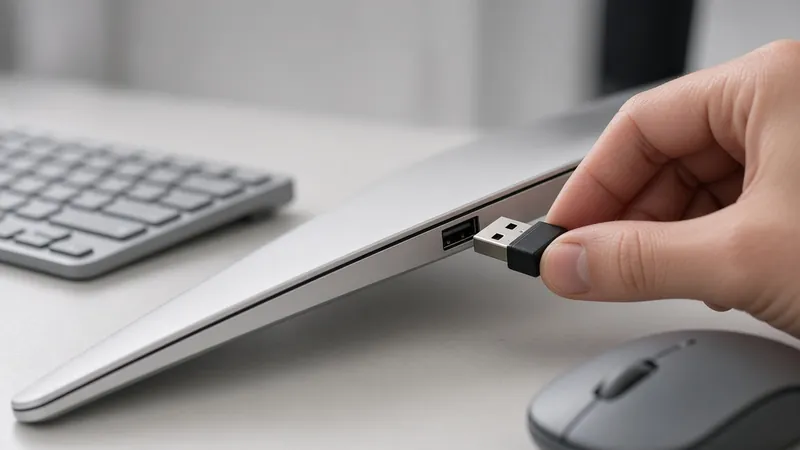
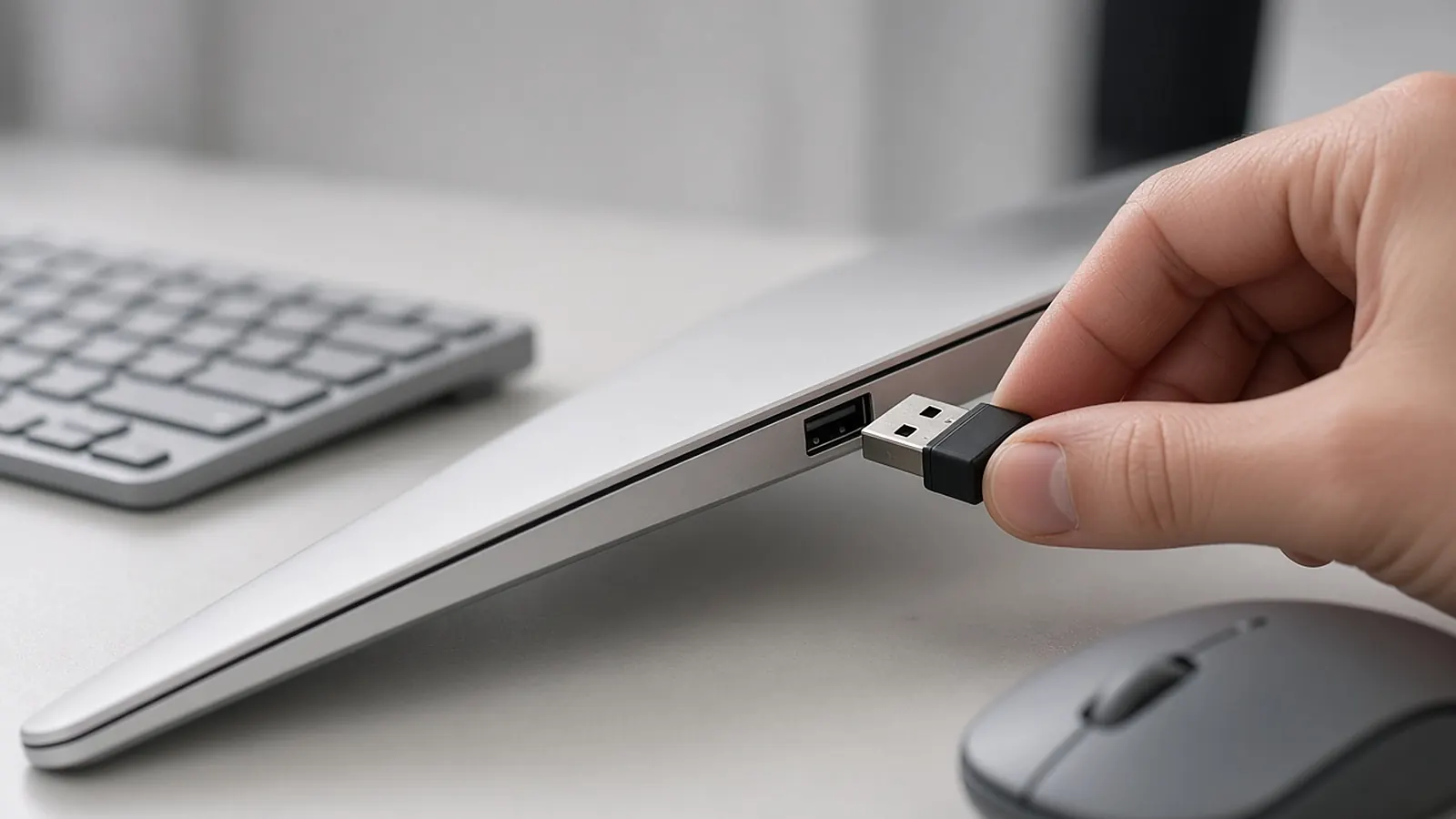
- Plug it in and open Logi Options+.
- Turn the device on, wait until Options+ detects it, then confirm pairing. Repeat for up to six devices per receiver.
These steps come from Logitech's Unifying setup guide. The Logi Bolt receiver page says it needs Logitech's Options software, and Logitech now recommends Logi Options+ in place of the older Logitech Options.
The two replacements
| Unifying receiver | Logi Bolt USB receiver | |
|---|---|---|
| Part number | 910-005235 | 956-000008 |
| Works with | All Logitech Unifying products | Logi Bolt keyboards and mice |
| Devices per receiver | Up to 6 | Up to 6 |
| Range (Logitech) | Up to 33 ft (10 m) | Up to 10 m (33 ft) |
If your device has neither logo
Logitech says that if your device used a receiver other than Unifying or Logi Bolt, or you can't buy one from its links, contact Logitech support.
How we work: details come from Logitech's support articles and product pages. We don't test receivers ourselves. Sources are listed below.
Questions people ask
Can I buy a replacement Logitech receiver?
Yes. Logitech sells replacement Unifying (910-005235) and Logi Bolt (956-000008) receivers.
Do I need a new mouse if I lose the receiver?
No. Logitech says you can buy a new receiver and re-pair your existing devices.
What if my mouse has no Unifying or Bolt logo?
Logitech says to contact its support if your device used a different kind of receiver.
Sources
Last checked Oct 23, 2026. Details come from Logitech's support articles and product pages. Logitech now recommends Logi Options+ for pairing.