Buy links on this page go through our /go/ redirects to the manufacturer or retailer. We earn nothing from them today; that may change. Disclosure.
In short
Start with power and the USB port. Logitech's troubleshooting says to make sure the mouse is fully charged or has new batteries, plug the receiver into a different USB port without a hub, and try a USB 2.0 port if you're using USB 3.0. Then reinsert the receiver, restart, and re-pair in Logi Options+.
Logitech's fixes, in order
- Power: fully charge the mouse, or fit brand-new batteries.
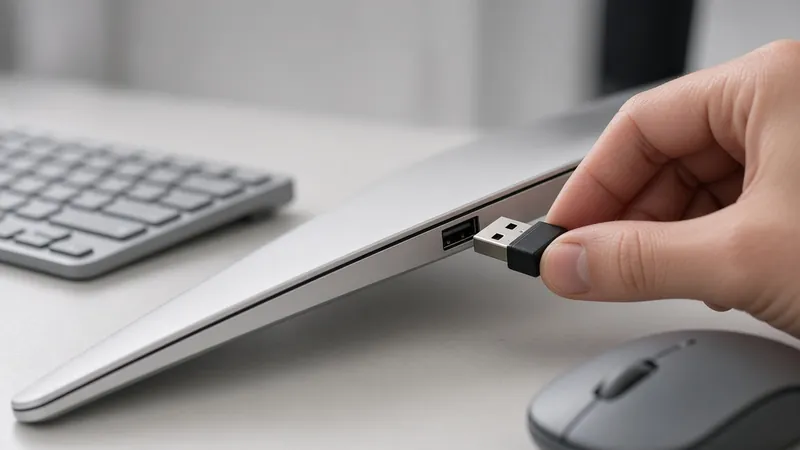
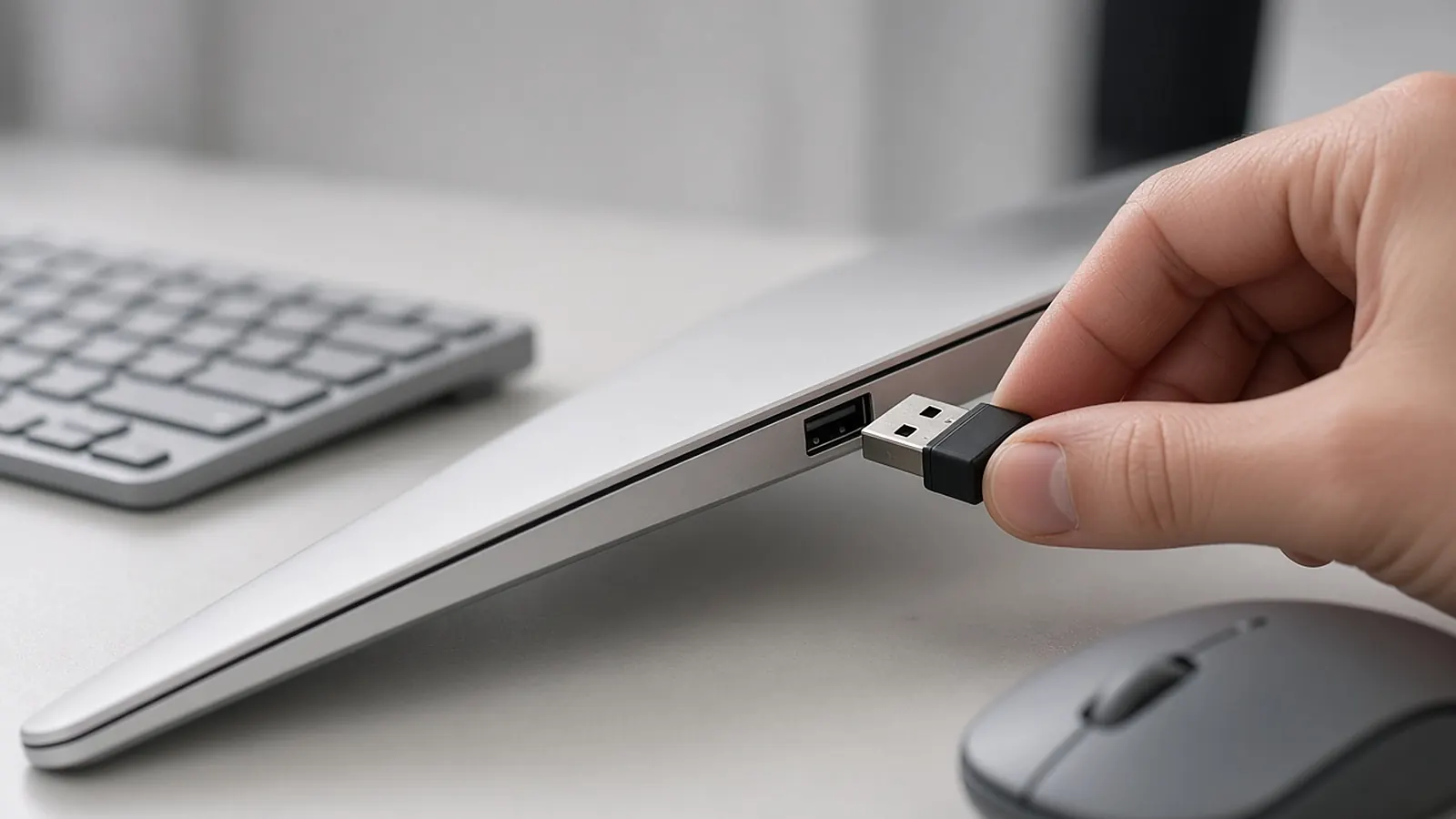
- Port: move the receiver to a different USB port. Avoid USB hubs if you can.
- USB 2.0: if it's in a USB 3.0 port, try a USB 2.0 port.
- Restart: remove and reinsert the receiver, then restart your computer.
- Software: make sure Logi Options+ is installed and up to date, then pair the mouse again from there.
- Isolate: try the mouse and receiver on a different computer.
Check it's the right receiver
A Unifying mouse won't pair with a Logi Bolt receiver, and a Bolt mouse won't pair with a Unifying receiver, Logitech says. Compare the logo on the bottom of the mouse with the receiver. See Bolt vs Unifying.
Old software
Logitech says its Connection Utility and the older Logitech Options are no longer supported, and recommends Logi Options+ instead.
Lost the receiver?
Logitech sells replacement Unifying and Logi Bolt receivers. You can re-pair your existing mouse to a new one. See replacement receiver pairing.
How we work: steps come from Logitech's troubleshooting article and Unifying setup guide. We don't test mice ourselves. Sources are listed below.
Questions people ask
Why won't my Logitech mouse connect to the receiver?
Logitech's checklist: charge it or fit new batteries, try a different USB port without a hub, try USB 2.0 instead of 3.0, and test on another computer.
How do I re-pair a Logitech mouse?
Open Logi Options+, turn the mouse on, wait for it to be detected, and confirm pairing, per Logitech's setup guide.
Is Logitech Connection Utility still supported?
No. Logitech says the Connection Utility is no longer supported and recommends Logi Options+.
Sources
Last checked Oct 23, 2026. Details come from Logitech's support articles and product pages. Logitech now recommends Logi Options+ for pairing.