Buy links on this page go through our /go/ redirects to the manufacturer or retailer. We earn nothing from them today; that may change. Disclosure.
In short
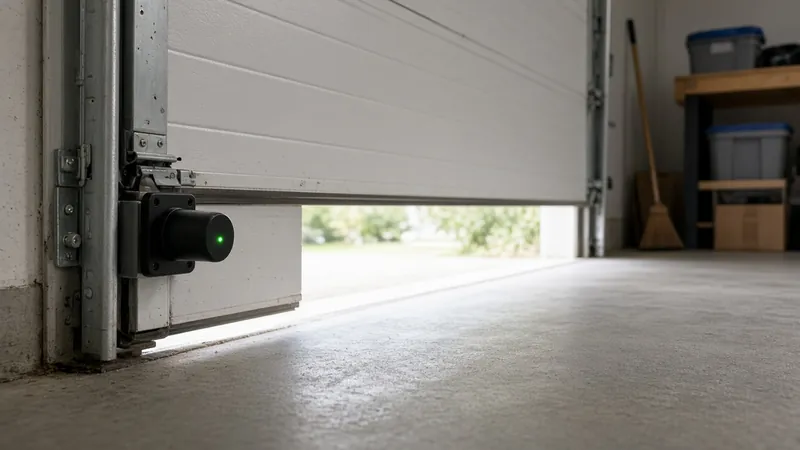
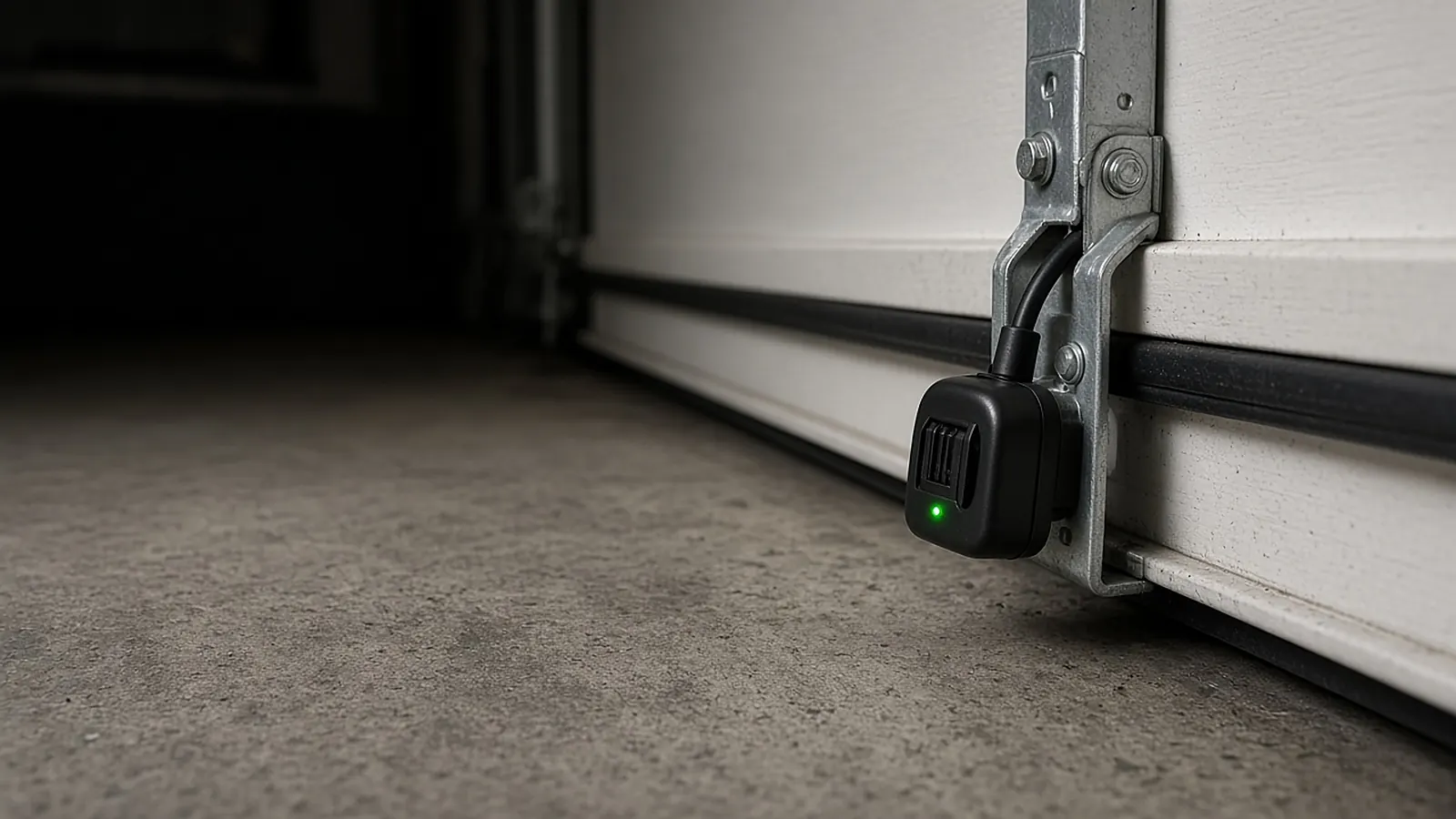
A blinking green LED on the receiving sensor means the beam is obstructed or the sensors are out of line. LiftMaster's manual says to check for obstructions, align the sensors, and if the green sensor faces direct sunlight, swap the sensors to opposite sides.
Maker parts (check your opener's manual first):
LiftMaster 041-0136 safety sensor kitChamberlain 041B0873 sunblocker kitRealign in four steps
- Clear the beam. Look for anything in the path: boxes, bins, cobwebs, or something hanging from the door. LiftMaster's troubleshooting table says to make sure nothing on the door interrupts the beam while it closes.
- Loosen the wing nut on the receiving sensor (the green one), per Chamberlain's alignment article.
- Aim the lenses at each other. Move the sensor until the green LED glows steadily, then tighten the wing nut.
- Confirm both LEDs are steady and not flickering, then run the safety test below.
Then test it (Chamberlain)
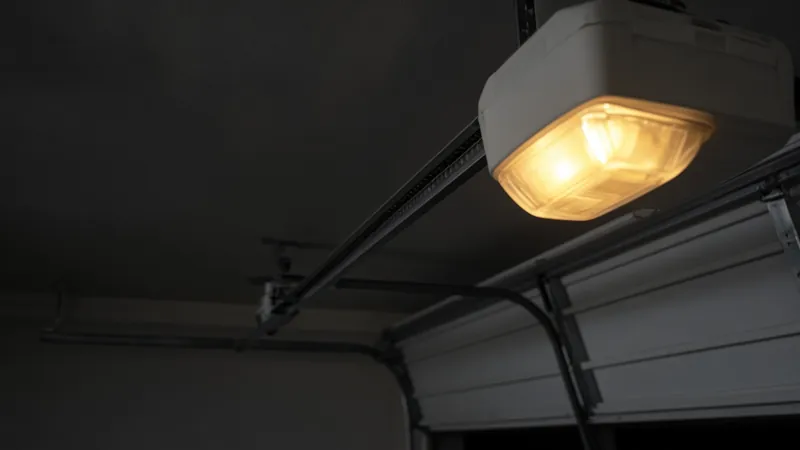
Chamberlain says to open the door, place an object in the beam path, and press the remote to close. The door should reverse or not close, and the opener lights should blink 10 times (or you'll hear 10 clicks). If the door closes, contact a trained technician.
Still blinking?
- Check the wire at every staple point for a short or break. LiftMaster lists a short or reversed sensor wire as a cause of a door that won't close with flashing lights.
- If sun hits the green sensor at certain times of day, see sunlight and sensors.
Never bypass the sensors. LiftMaster's manual says the safety reversing sensor is a required safety device that must not be disabled, and the beam must be no higher than 6 inches above the floor. After any fix, test it: the door must reverse when the beam is blocked.
How we work: alignment steps come from Chamberlain Group support and LiftMaster's 98022 manual. We don't test garage door openers ourselves. Sources are listed below.
Questions people ask
What does a blinking green light on a garage sensor mean?
LiftMaster says the sensors are obstructed or misaligned.
How do I realign garage door sensors?
Chamberlain says loosen the wing nut on the receiving (green) sensor, aim the lenses at each other until the green LED is steady, then tighten.
How do I know the sensors work?
Chamberlain says to block the beam and close the door with the remote. It should reverse or not close, and the lights should blink 10 times.
Sources
Last checked Oct 23, 2026. Details come from LiftMaster's 98022 manual and sensor kit page and Chamberlain Group support. Never disable the sensors; test them after any fix.