Buy links on this page go through our /go/ redirects to the manufacturer or retailer. We earn nothing from them today; that may change. Disclosure.
Quick answer
If you plug a 100W or 140W USB-C wall charger into a 16-inch laptop using an ordinary phone cable, the laptop will never receive more than 60 watts. Under the USB Implementers Forum (USB-IF) Type-C and Power Delivery specification, every USB-C power adapter is hard-coded to cap current at 3 amps (20V × 3A = 60W) unless it detects an E-Marker (Electronic Marker) chip inside the cable's plug confirming the wires are built for 5 amps (100W at 20V, or up to 240W at 48V).
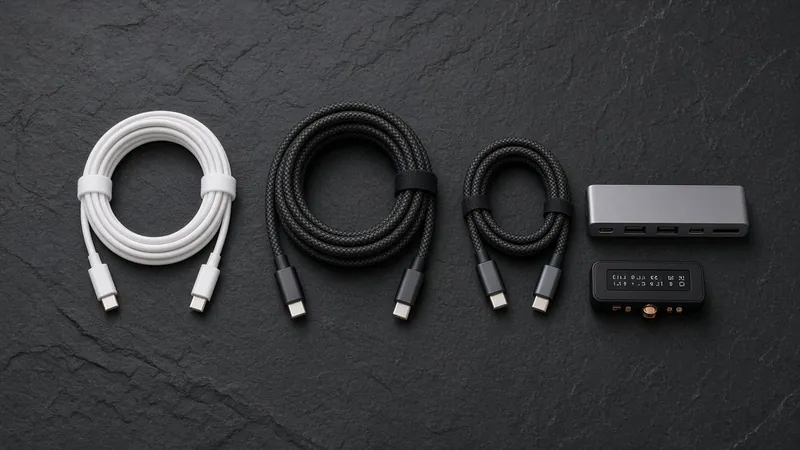
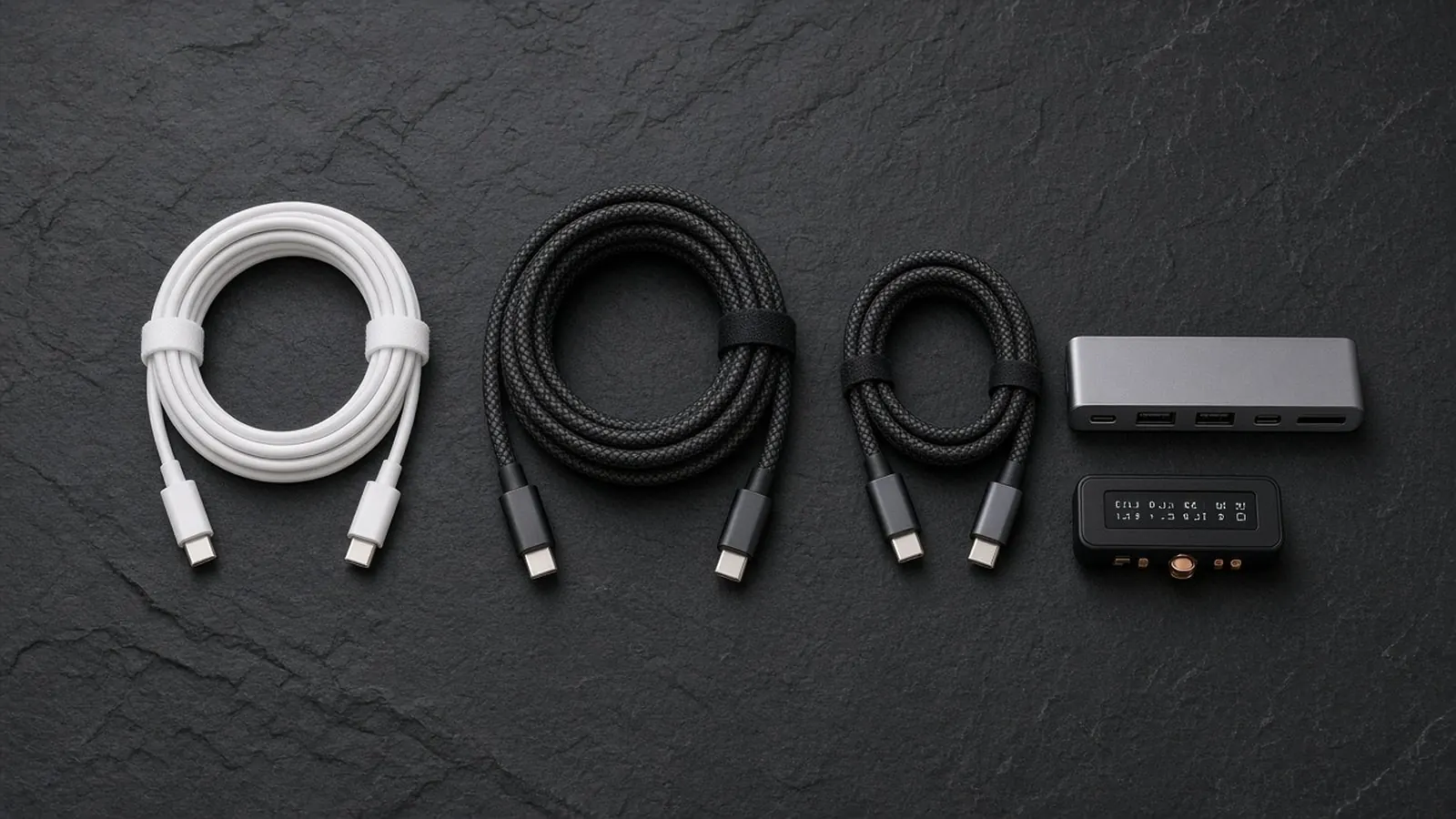
E-Marked 240W EPR cables (backward-compatible with 100W & 60W): carry both 240W Power Delivery and high-speed video/data.
Plugable USB-C 240W (20Gbps) Plugable TB4 240W (40Gbps) CalDigit TB4 240W/100W Belkin 240W USB-C CablesThe three USB-C power tiers compared (60W vs 100W vs 240W)
| Cable power tier | Max voltage & current | E-Marker chip inside? | USB-IF certification logo | Typical devices it charges at full speed |
|---|---|---|---|---|
| 60W Standard | Up to 20V × 3A (60W) | No (optional unless the cable is USB 3.2 / USB4 high-speed) | 60W badge | iPhones, Android phones, iPads, Nintendo Switch, 13-inch MacBook Air (30W–67W), ultrabooks up to 60W |
| 100W SPR (Standard Power Range, PD 3.0) | Up to 20V × 5A (100W) | Yes — 5A SPR E-Marker required | Legacy 100W (now superseded by 240W for new certifications) | 14-inch MacBook Pro (67W–96W), Dell XPS / Lenovo ThinkPad (65W–100W), USB-C monitors with 65W–96W PD |
| 240W EPR (Extended Power Range, PD 3.1) | 28V (140W), 36V (180W), or 48V (240W) × 5A | Yes — 5A EPR E-Marker required (plus snubber arc protection) | 240W badge | 16-inch MacBook Pro (140W USB-C), high-wattage USB-C workstation & gaming laptops (130W–240W), plus every 100W and 60W device |
What an E-Marker chip actually does
Inside a USB-C cable, power travels on the VBUS and GND wires, while the charger and device talk to each other over a dedicated Configuration Channel (CC) wire. Before a USB Power Delivery charger raises its output above 5V / 3A:
- The charger queries the cable on the
CCpin: if no chip responds, the charger assumes the cable has standard 3-amp conductors and limits output to 60W max (20V at 3A). - A 100W SPR E-Marker chip replies "5A, 20V max": the charger unlocks up to 100W (20V at 5A). However, if you plug a 140W USB PD 3.1 charger into a 100W SPR cable, it still stops at 100W because 140W requires stepping voltage up to 28V (28V × 5A = 140W).
- A 240W EPR E-Marker chip replies "5A, 48V EPR capable": introduced in USB Power Delivery 3.1 and the USB Type-C Release 2.1 specification, an EPR cable enables the fixed 28V (140W), 36V (180W), and 48V (240W) profiles. USB-IF retired the 100W certification logo so buyers now only have to choose between 60W and 240W certified cables.
Why a 240W cable will never damage a 20W phone or earbuds
A common worry when replacing a frayed cord is whether a "240W cable" can overload a smartphone, tablet, or wireless earbuds case. It cannot. A USB-C cable is passive plumbing with an ID tag: the wattage printed on the plug is the cable's maximum safe ceiling, not the power it forces into a device.
Every USB-C Power Delivery session starts at 5 volts. The phone, tablet, or laptop tells the charger the exact voltage and current it wants to draw, and the E-Marker chip simply reports the maximum current and voltage the wire can safely carry. The actual charging rate is always set by the lowest-rated link in the chain (charger, cable, or device).
Remember that "240W" only describes charging power: many 2-meter braided 240W charging cables (including Apple's 240W USB-C Charge Cable) wire only USB 2.0 (480 Mbps) data pins. They will charge a 16-inch laptop at 140W, but they will not send a video signal to a USB-C monitor. If you want one cable for both charging and an external display, choose a 240W cable that also specifies 20Gbps, 40Gbps, or Thunderbolt 4.
How we work: all voltage, current, and E-Marker requirements on this page come from the USB-IF USB Charger (USB Power Delivery) and USB Type-C specifications, Apple Support, and Plugable product documentation, linked below.
Questions people ask
Can I use a 240W USB-C cable on a 20W iPhone or 65W laptop?
Yes. USB Power Delivery is negotiated between the charger and the device: voltage starts at 5V and only steps up to 9V, 15V, 20V, 28V, 36V, or 48V when the connected device explicitly requests it. A 240W cable simply has an E-Marker chip and conductors rated for up to 48V at 5A; it will safely carry 20W to a phone or 65W to an ultrabook.
What is an E-Marker chip in a USB-C cable?
An Electronic Marker (E-Marker) is a tiny controller chip inside the USB-C plug that reports the cable's current, voltage, and data capabilities over the Configuration Channel (CC) pin. Under USB-IF rules, any USB-C cable carrying more than 3 amps (60W) or high-speed USB 3.2 / USB4 / Thunderbolt data must have an E-Marker chip; without it, chargers limit output to 60W.
Does a 240W USB-C cable support 4K video to a monitor?
Only if it also wires high-speed data lanes. Many 240W braided charging cables (such as Apple's 2m 240W USB-C Charge Cable) are USB 2.0 (480 Mbps) cords with zero video lanes. For a monitor, look for a 240W cable that also specifies 20Gbps, 40Gbps, or Thunderbolt 4.
Sources
Last checked Oct 23, 2026. USB-C port features vary by laptop and monitor model; check your computer and display tech specs before buying.
- USB-IF: USB Charger (USB Power Delivery)
- USB-IF: USB Type-C Cable and Connector Specification
- Plugable: USB-C 240W 20Gbps Cable (PD 3.1 EPR)
- Plugable: Thunderbolt 4 240W EPR Cable (1m)
- Apple Support: About the Apple Thunderbolt Pro Cables
- Apple Support: Charge and connect with the USB-C connector on your iPhone