Buy links on this page go through our /go/ redirects to the manufacturer or retailer. We earn nothing from them today; that may change. Disclosure.
Quick answer
When a fresh battery doesn't bring a key fob back, the battery itself is rarely the problem. It is usually in upside down, not seated under its clips, or touching a contact that got bent when the old one came out. Bitter-coated batteries can also cause trouble in some devices. Work through these five checks in order.
Want to rule out the battery? Try an uncoated cell of the same size.
Panasonic CR2032 (uncoated) Panasonic CR2025The 5 checks
- Which way does it face? The side with the + and the printing is positive. Put the new cell in the same way the old one sat. If you didn't note it, check the manual or look for a + mark inside the case. Jeep's Wrangler manual, for example, says positive side up.
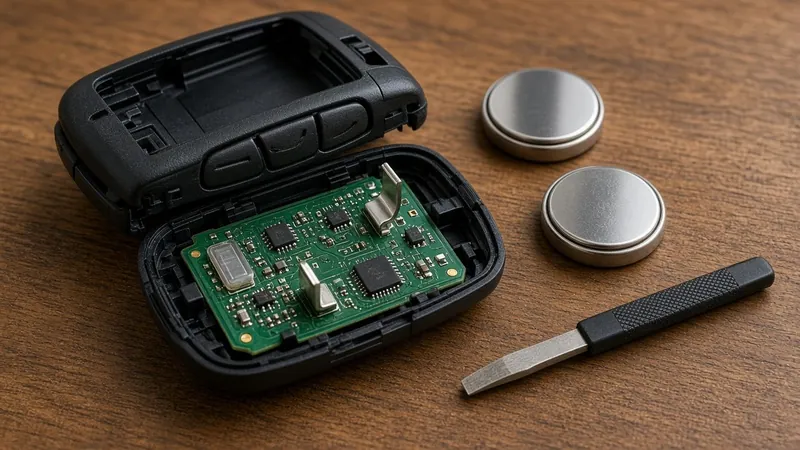
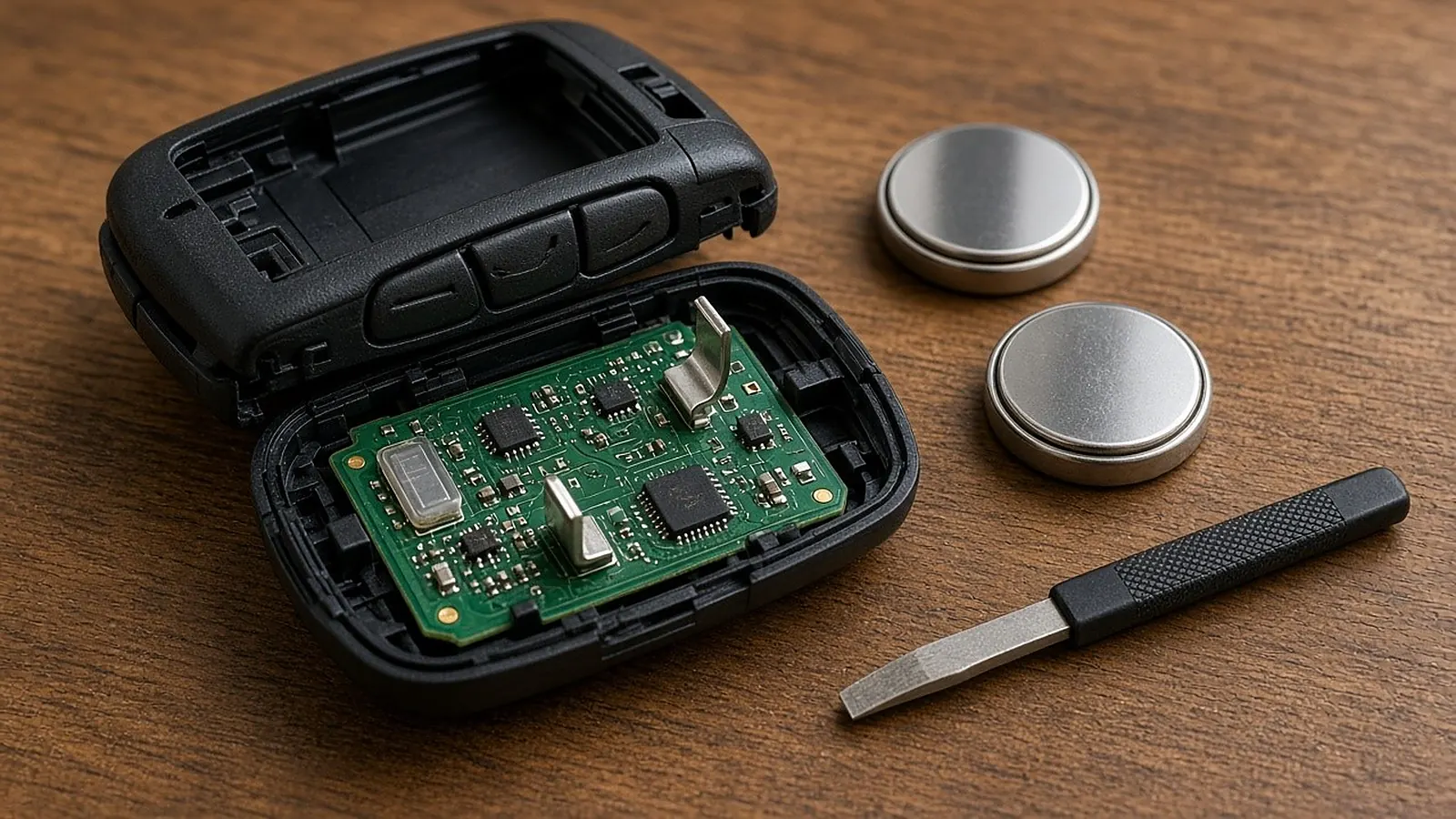
- Is it under the clips? Press the cell down until it sits flat under the little tabs. A cell resting on top of a tab may touch one contact but not the other.
- Is a contact bent? Look at the small metal tabs that touch the battery. If one is pushed flat, ease it back up with a wooden toothpick. Avoid metal tools on the circuit board.
- Is it a bitter-coated cell? Duracell coats its coin cells with a bitter layer to discourage children from swallowing them. Apple notes that some bitter-coated CR2032 cells might not work in AirTag or other battery-powered products. If a coated cell won't work, try an uncoated one.
- Does it need a resync? Most fobs keep working after a battery change with no extra steps. A few models want a short resync, and the steps are in the owner's manual.
Still nothing?
Try the spare fob if you have one. If the spare works, the problem is the first fob, not the car. If neither works, the car may not be reading fobs at all, which is a job for the dealer. Meanwhile, most push-button cars can still be started with a weak fob: see how to start a push-button car with a dead fob.
Keep coin batteries away from kids: a swallowed coin battery can cause serious injury. Store spares in their package and recycle old ones.
Questions people ask
Why does my key fob still not work after a new battery?
Check three things: the battery is facing the same way as the old one (note which side faced up before you remove it), the battery is pressed fully under its clips, and the metal contacts were not bent while prying. If all three look right, try an uncoated battery.
Can a bitter-coated battery cause problems in a key fob?
It can in some devices. Duracell coats its coin cells with a bitter layer to discourage children from swallowing them, and Apple notes that some bitter-coated CR2032 cells might not work in AirTag or other battery-powered products. If a coated cell won't work, try an uncoated one of the same size.
What if I bent a battery contact while prying the old cell out?
Take the battery out and look at the small metal tabs that touch it. Gently ease a flattened tab back up with a wooden toothpick so it presses on the battery again. Avoid metal tools on the circuit board.
Sources
Last checked Oct 23, 2026. WARNING: Lithium coin batteries are a severe ingestion hazard for children. Keep new and used cells locked away and check your vehicle owner's manual for exact fob specs.